ScreenUsage Remote, formerly tvusage Remote
Manage screen time from your phone
Review your child’s usage and manage linked Android TVs, phones, and tablets from a parent’s Android phone or a signed-in browser.
Controls for connected devices
- Review daily and historical usage
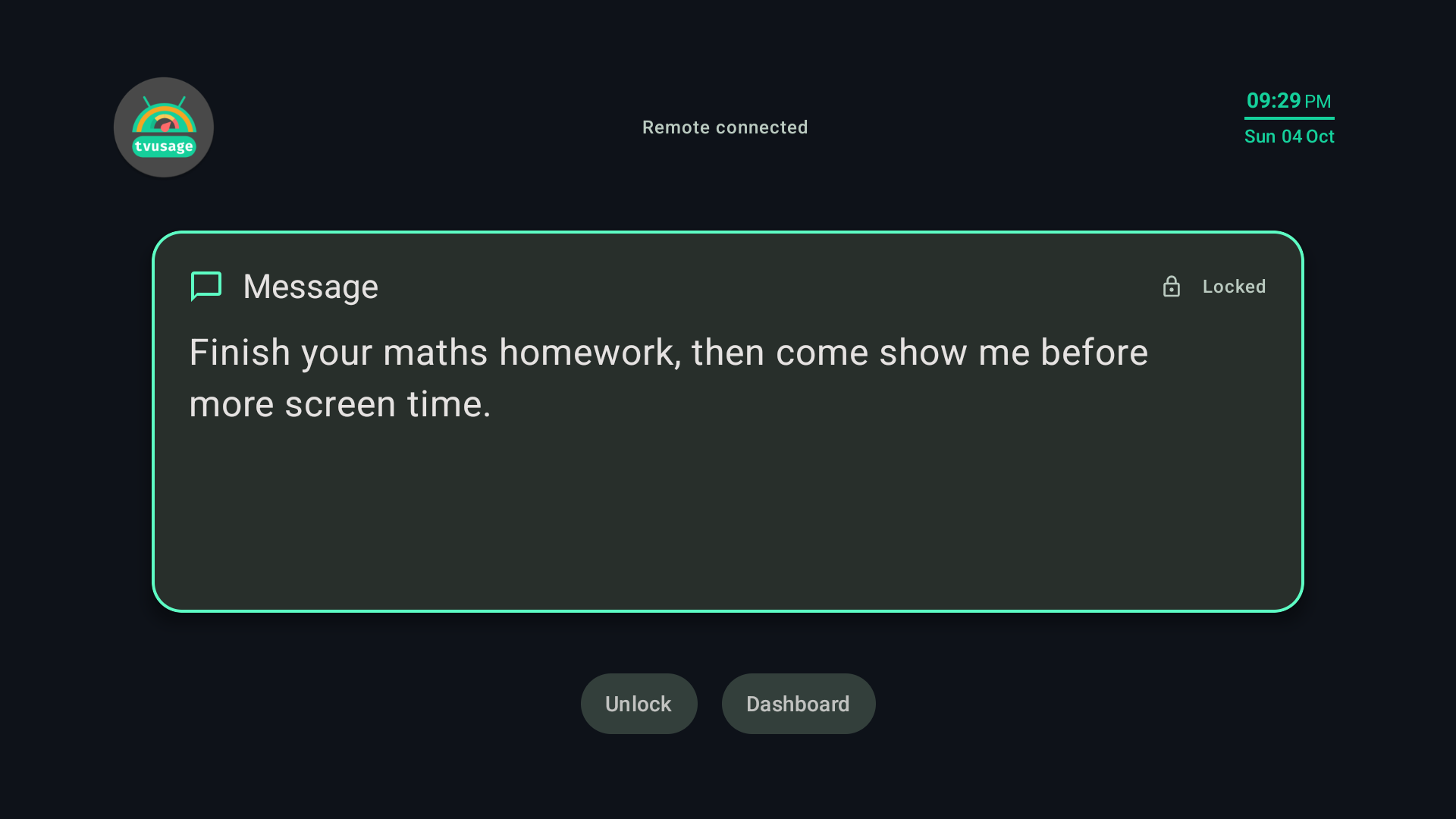
- Lock or unlock linked devices and apps
- Approve eligible PIN requests
- Manage multiple linked devices and synced profiles with Pro
- Review the configured PIN when needed
Already using tvusage Remote? Update your existing app; your account and linked devices continue.
Install ScreenUsage on each child device, complete its permissions, and connect it to the same Remote account. Plus includes one remotely managed device and two profiles; Pro adds unlimited devices and profiles. Updates depend on connectivity and synchronization.