Everyday tools, one clear system

Controls that adapt to your family

Choose the rules that fit each child, app, device, and day—then adjust as routines change.

The complete toolkit

Specific controls, not one blunt switch

Combine time, access, breaks, and visibility so different moments can have different rules.

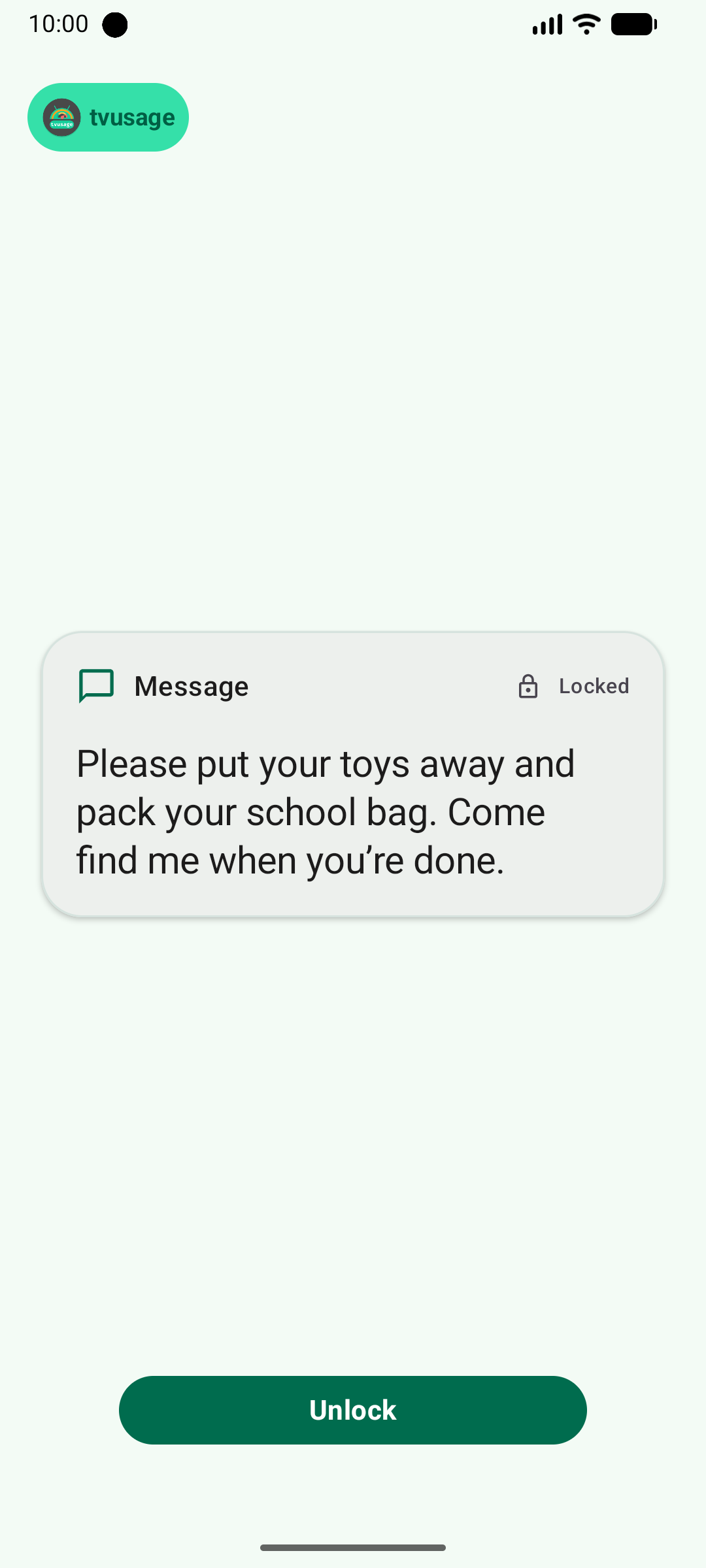
PIN app & device lock

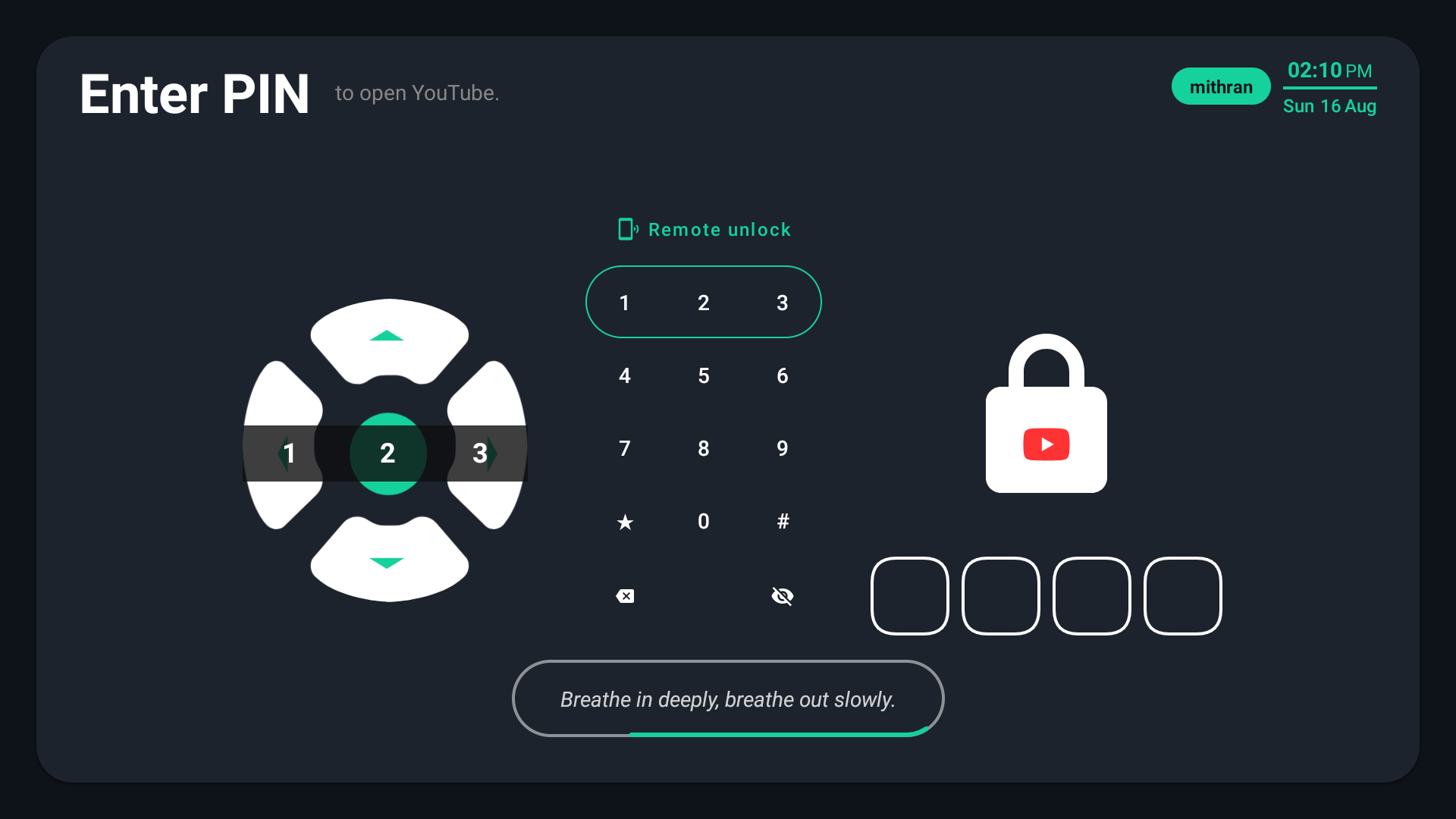
Lock one app or the whole device behind a parent-controlled PIN.

Screen-time & usage hours

Set daily time limits and the hours when each app or device can be used.

App groups

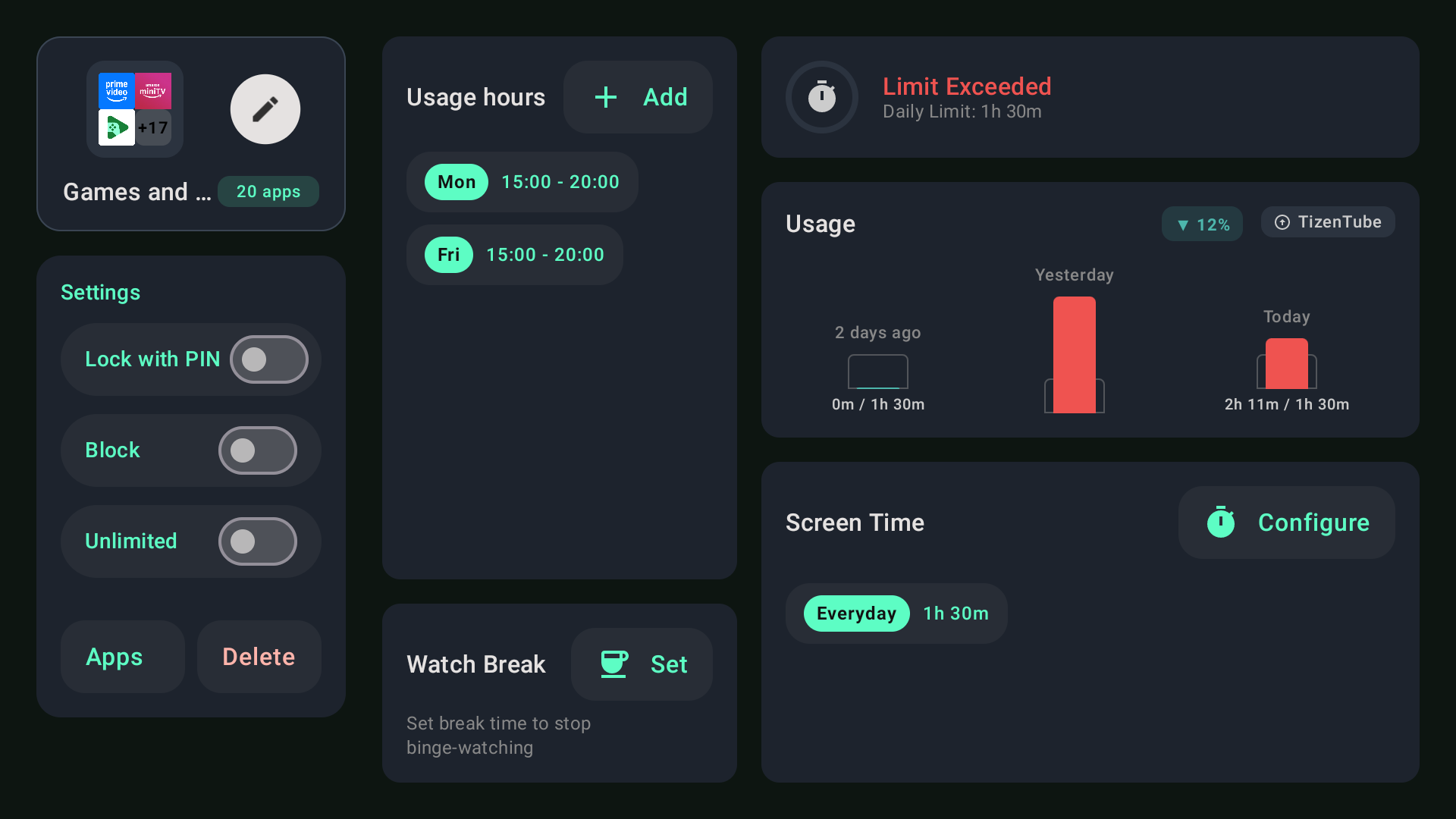
Put games, streaming, or social apps under one shared rule.

Watch breaks

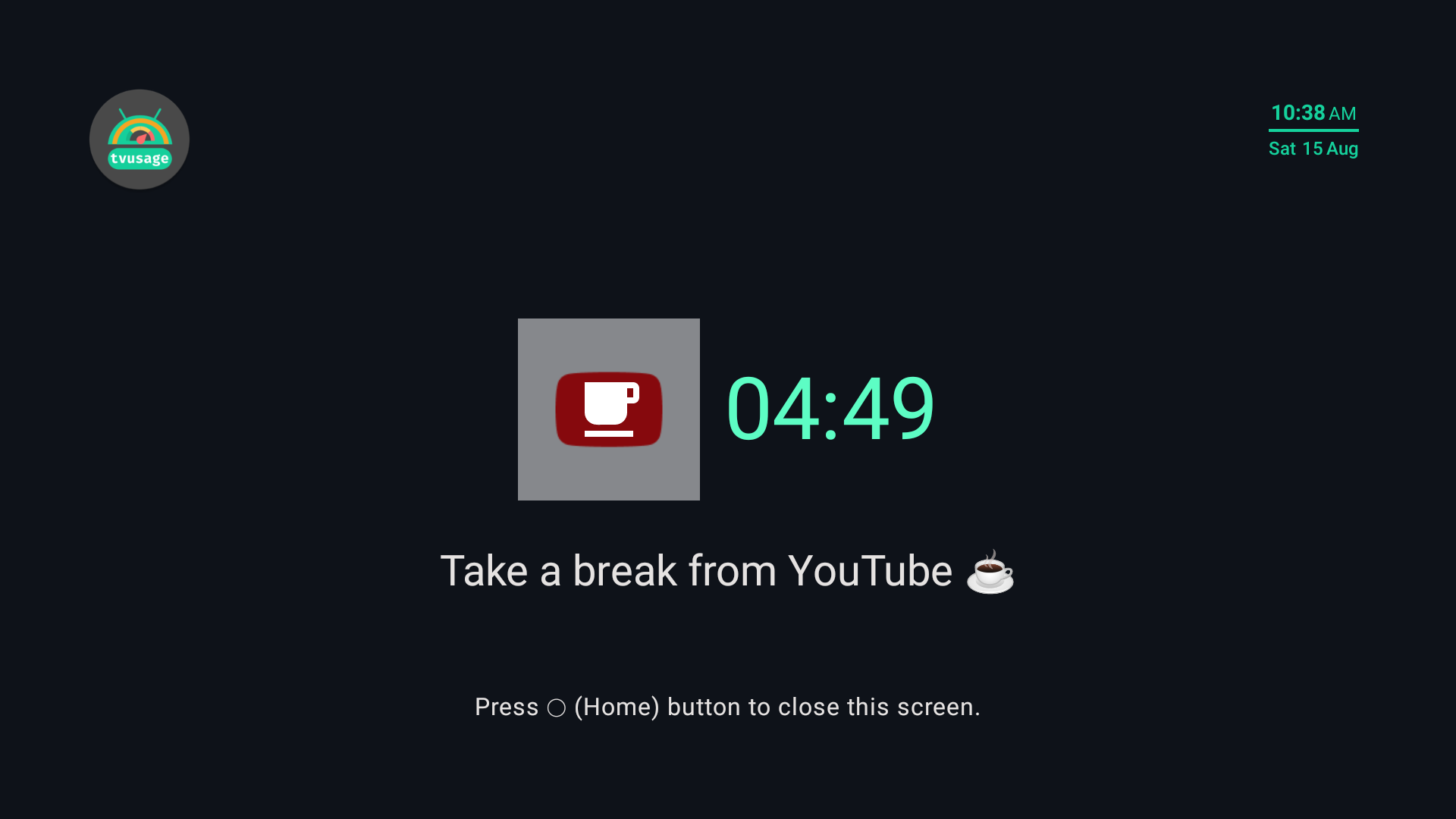
Schedule a pause during long viewing sessions to reset eyes and attention.

Synced profiles

Manage multiple child profiles and keep their rules synchronized.

Unlimited-use apps

Keep selected learning, reading, or communication apps available.

Complete blocking

Block individual apps entirely when they are not right for your child.

Install & uninstall protection

Prevent common workarounds that could remove or bypass the rules.

Daily & weekly insights

See screen-on time and per-app use in clear day and week views.

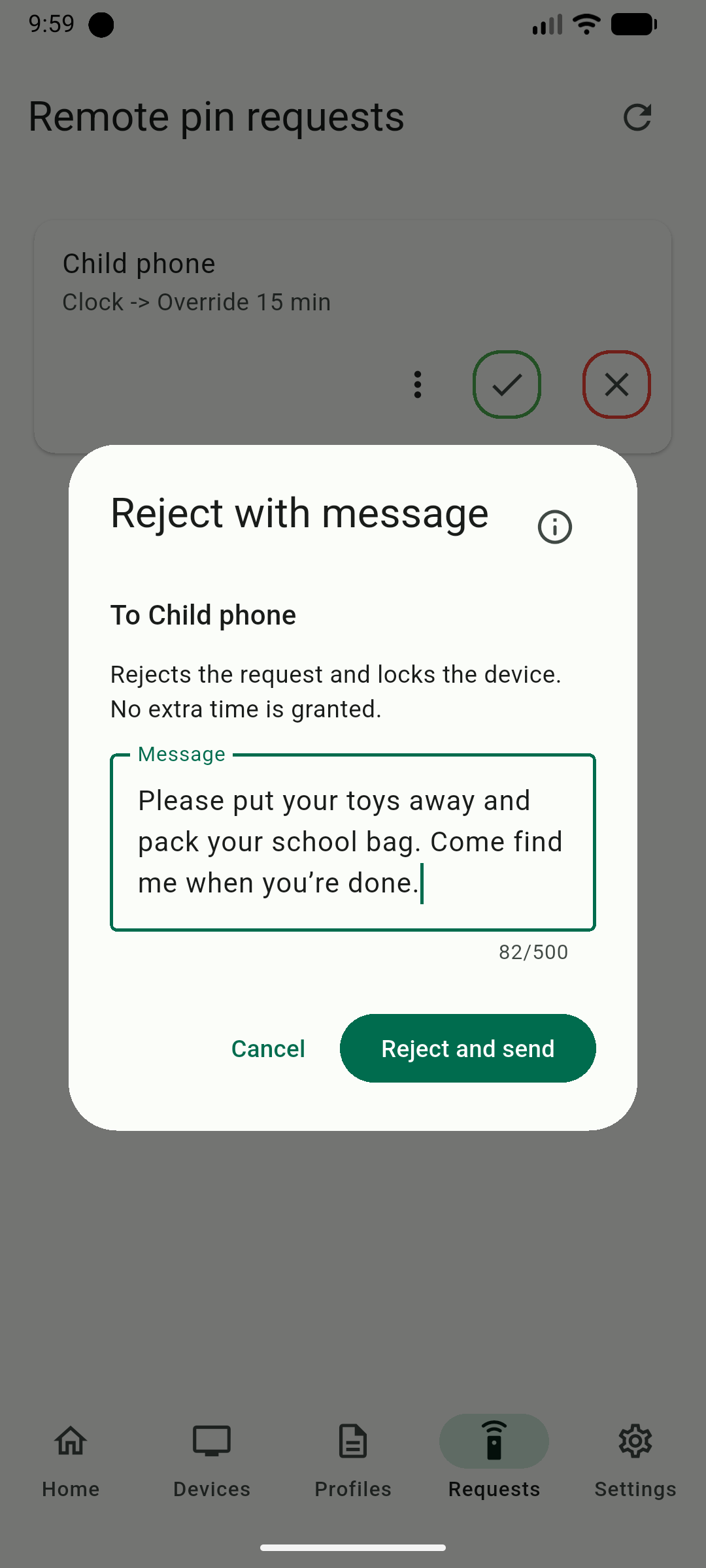
Optional remote management

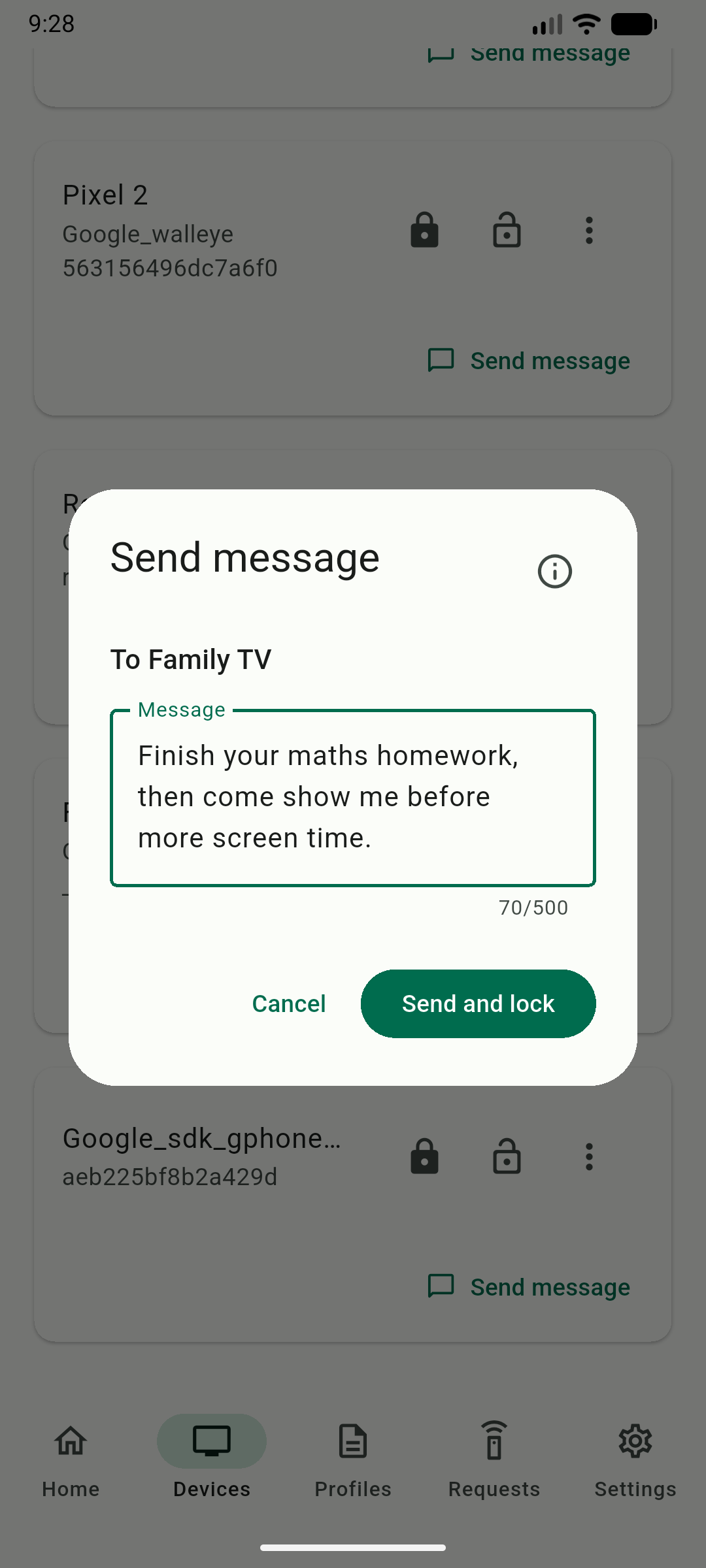
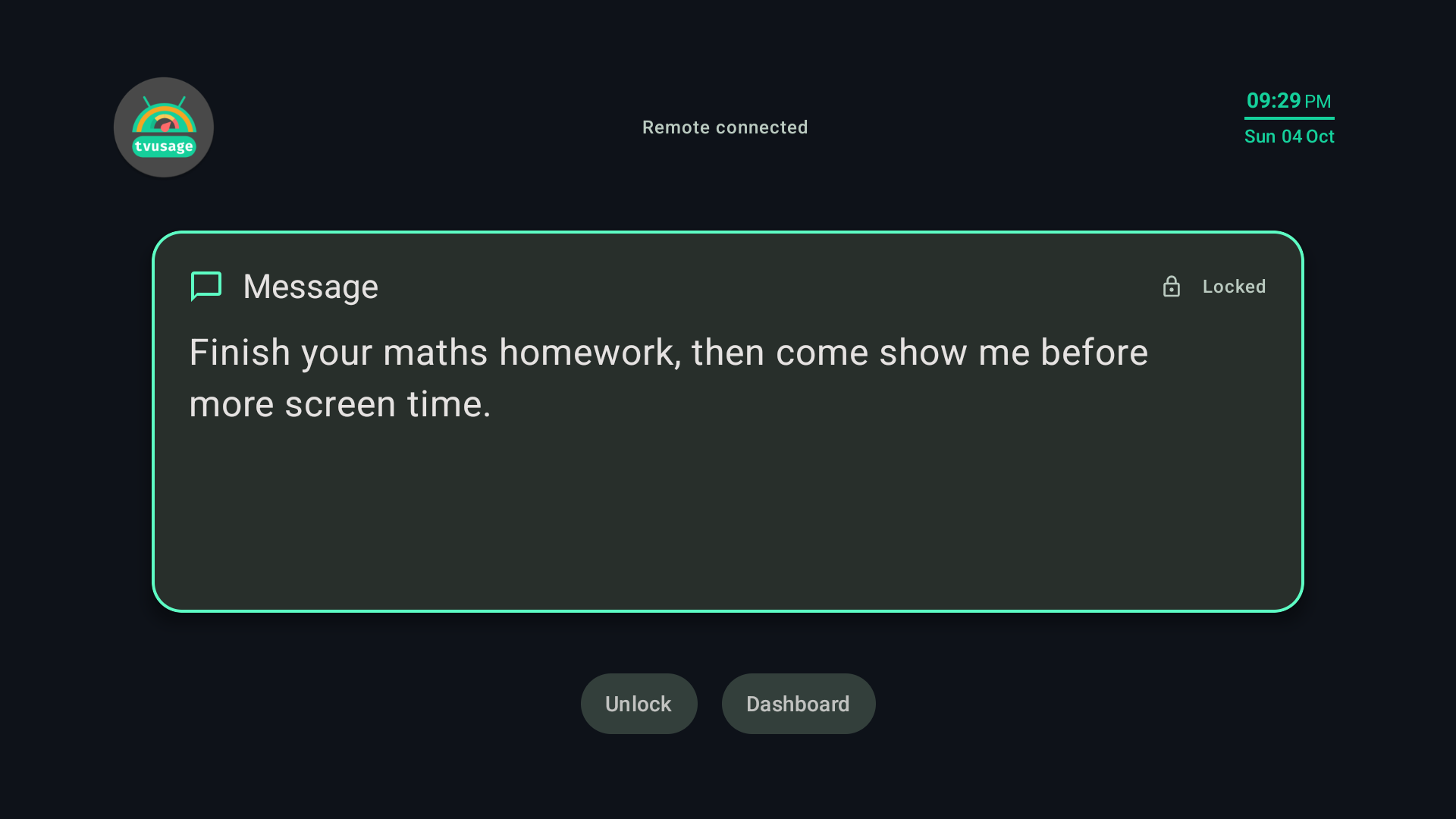
Review activity and update controls from a separate phone or browser.

See the pattern

Usage insights that start a better conversation

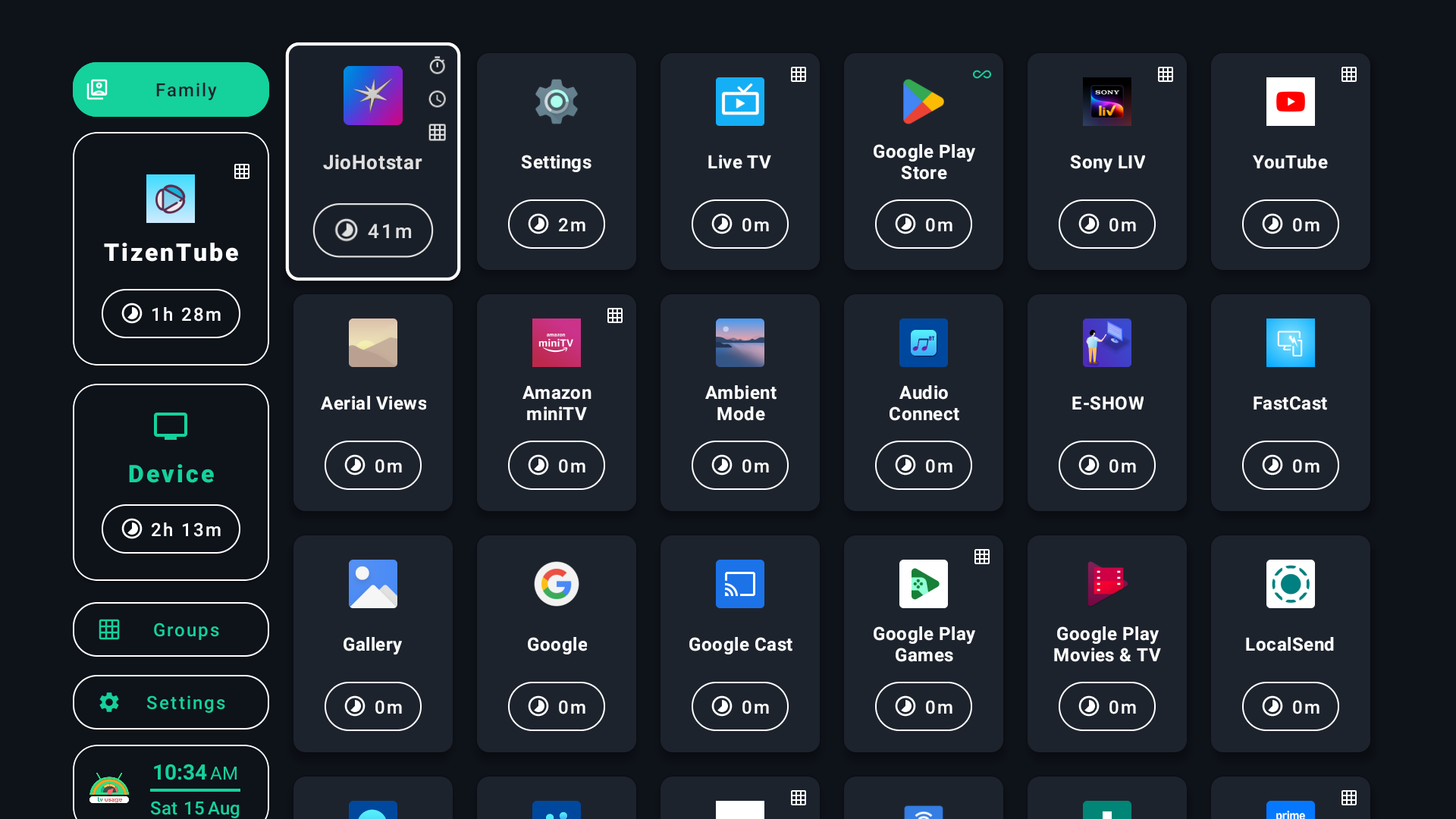
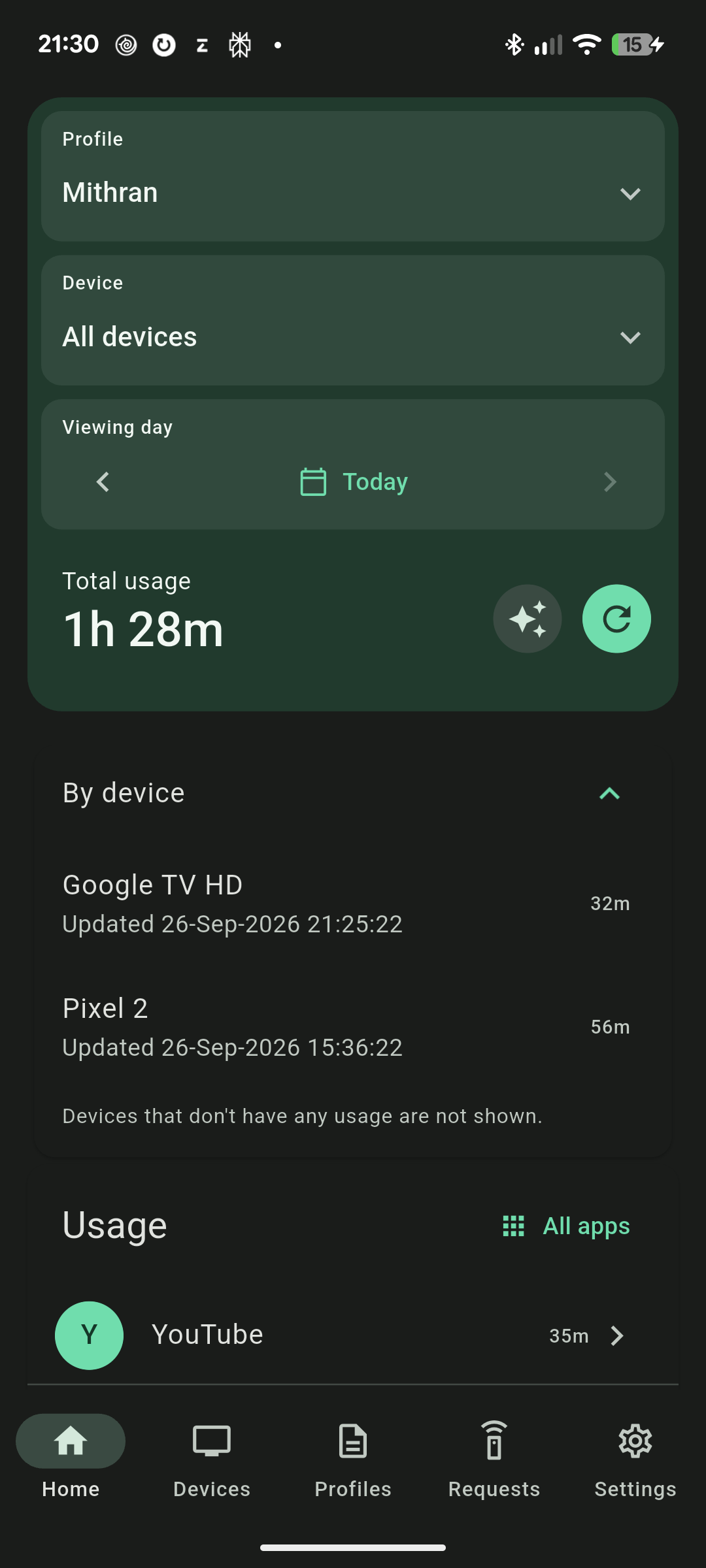
View daily and weekly screen time, then open a profile to understand which apps are taking the time.

tvusage TV dashboard with child profiles and daily usage

Set the boundary

Limits and hours work together

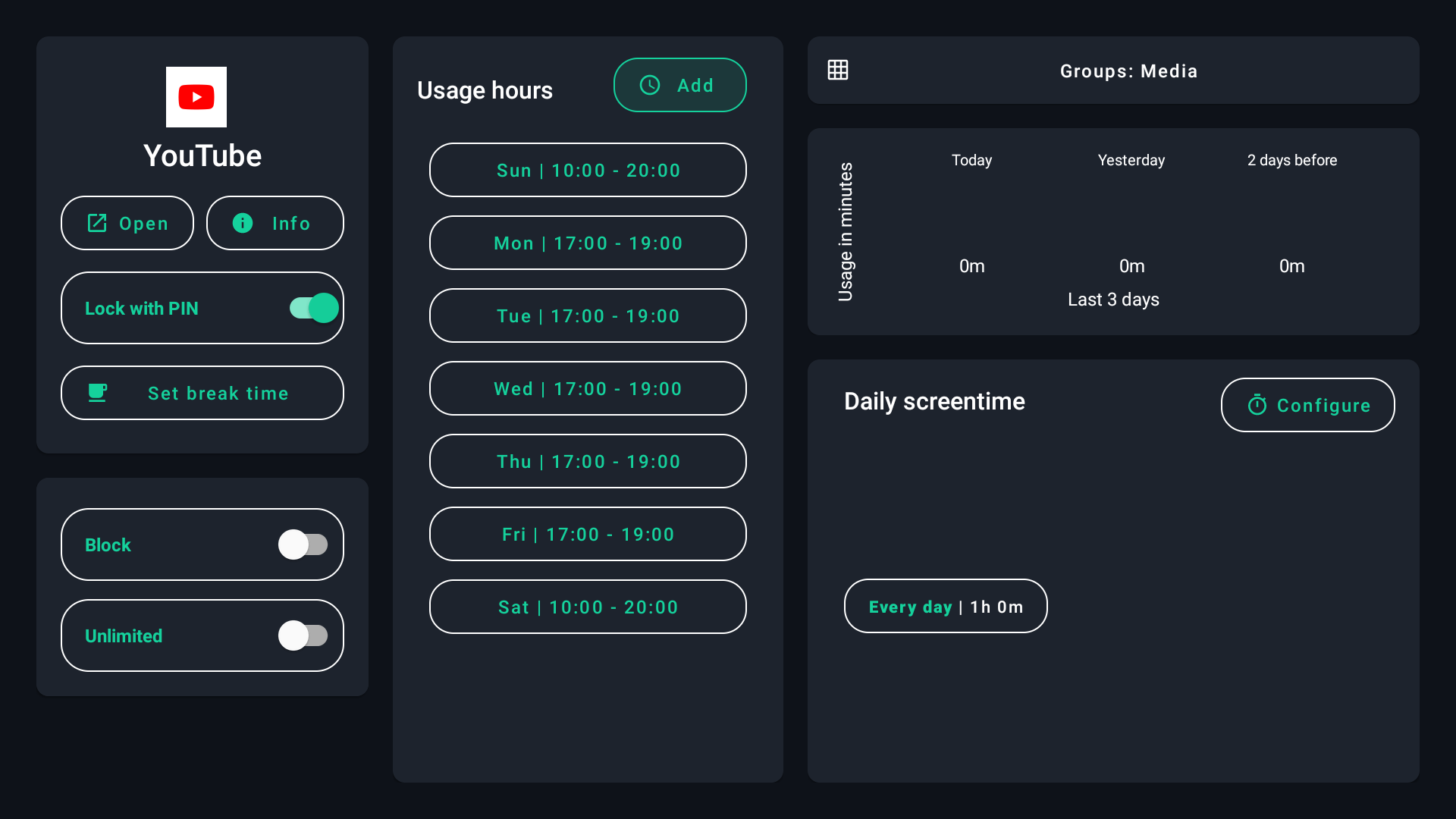
Give an app a daily allowance and define when it can open. Either rule can end the session clearly.

tvusage screen-time and usage-hours settings

Try the complete toolkit

Set a boundary your devices can remember.

Download tvusage, start the free trial, and build a plan that fits your family.

Get tvusage on Google Play