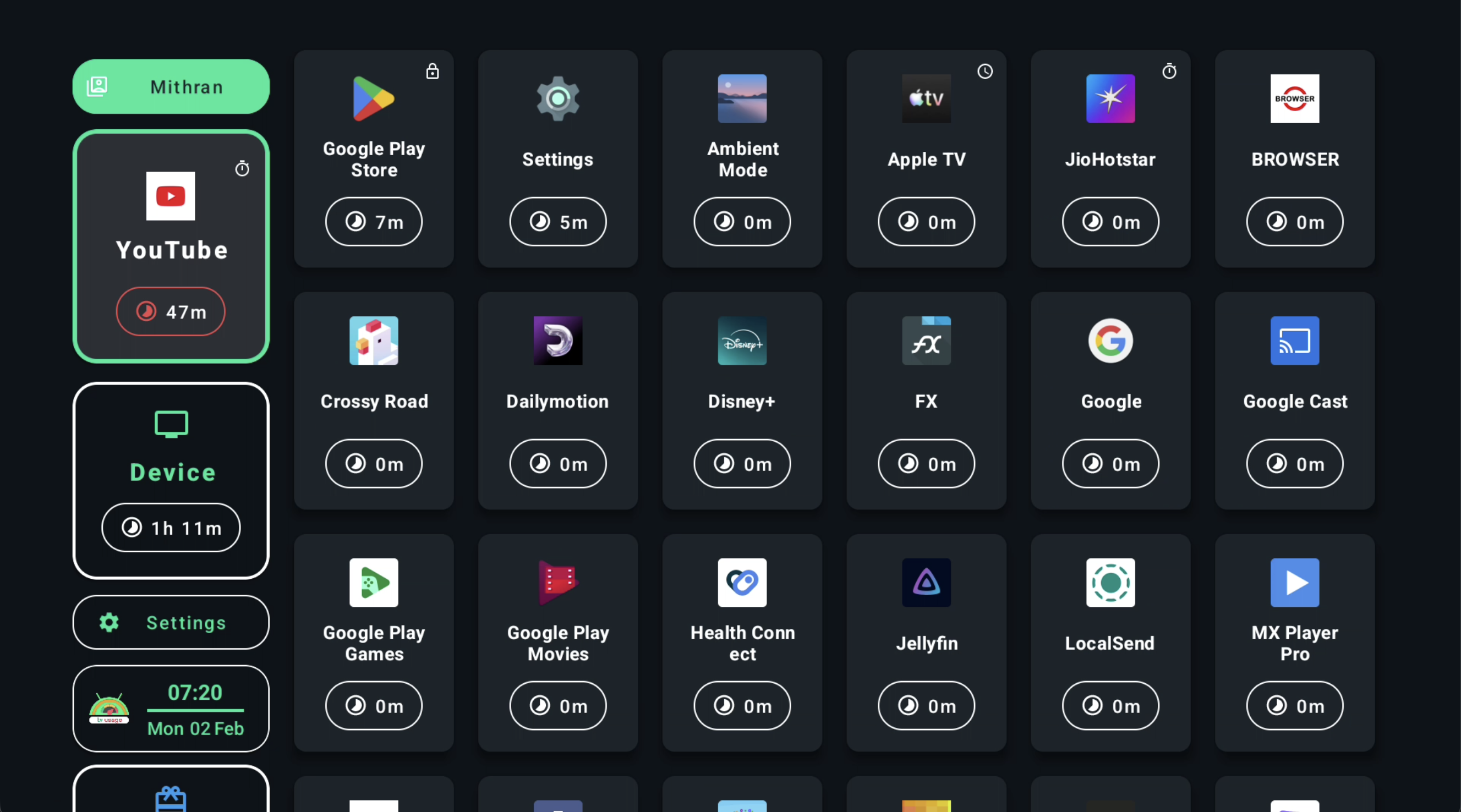
Limits & schedules
Decide when screens fit the day.
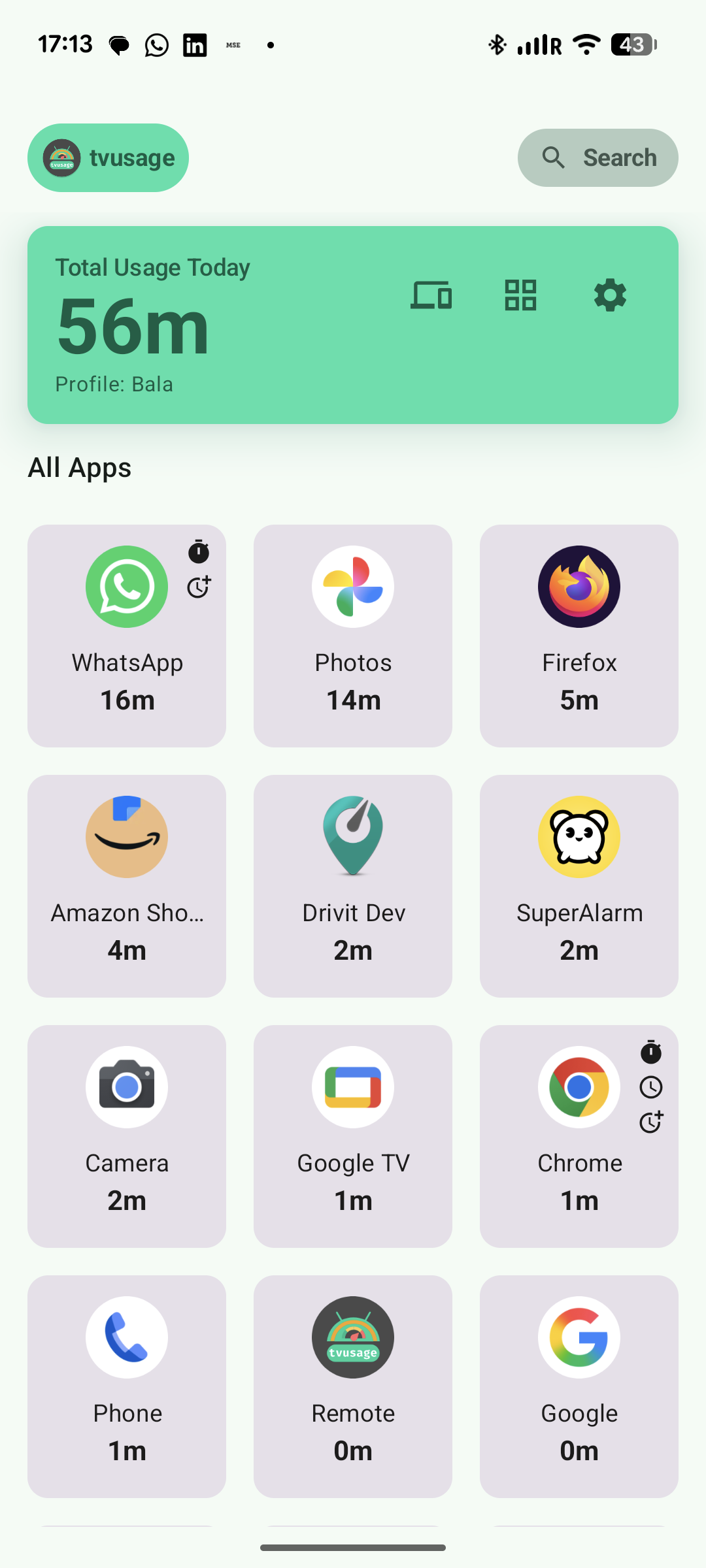
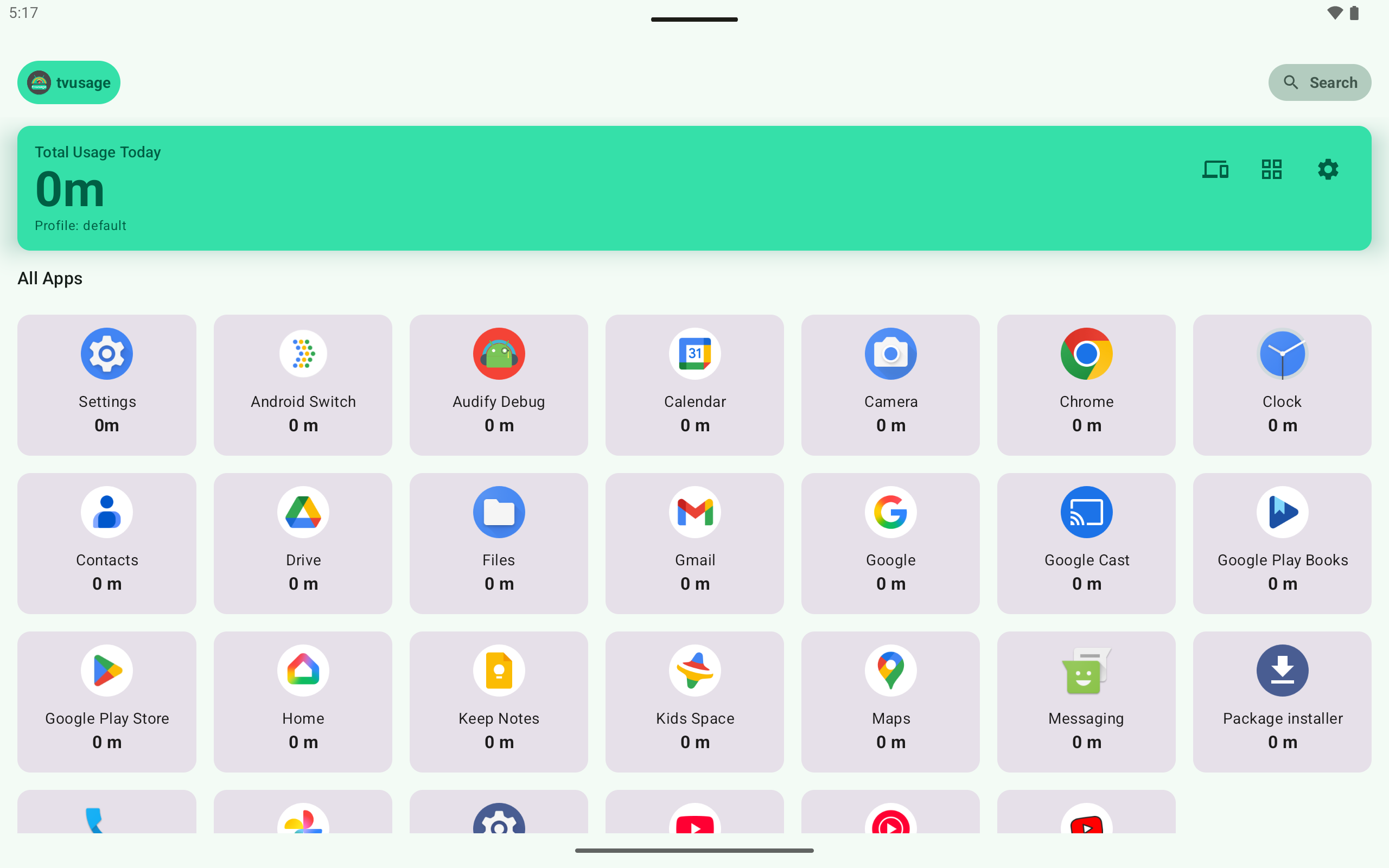
Set daily allowances and allowed hours for apps or devices. Keep learning apps available.
Explore all controls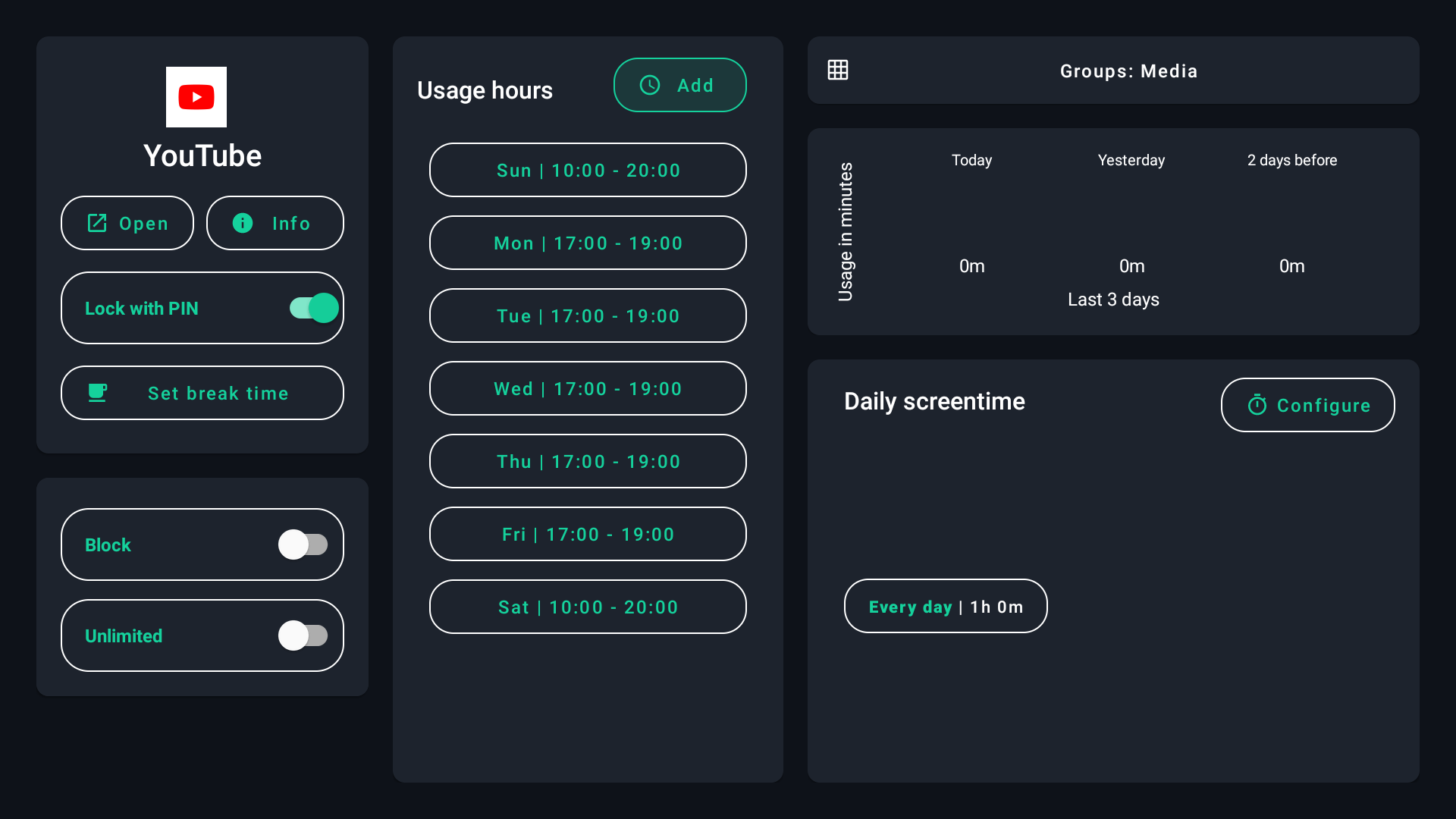
ScreenUsage, formerly tvusage
Set screen-time limits, schedules and app rules across phones, tablets and TVs.
Already using tvusage? Update your current app. Your account, subscription and saved setup continue.
Phone · Tablet · TV
Illustrative demo usage.
Daily screen-time controls
Set daily allowances and allowed hours for apps or devices. Keep learning apps available.
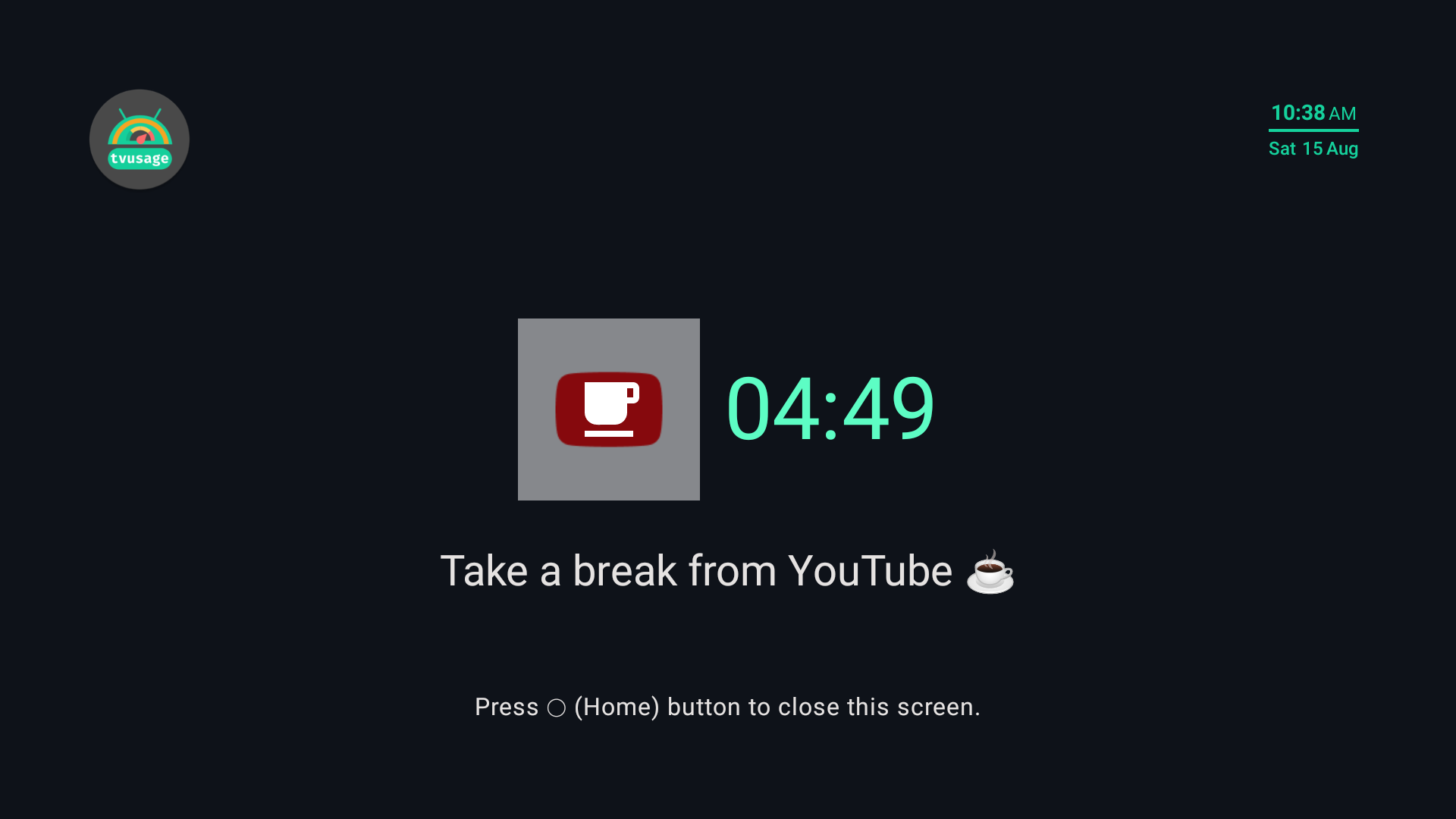
Explore all controlsSchedule pauses during long sessions.
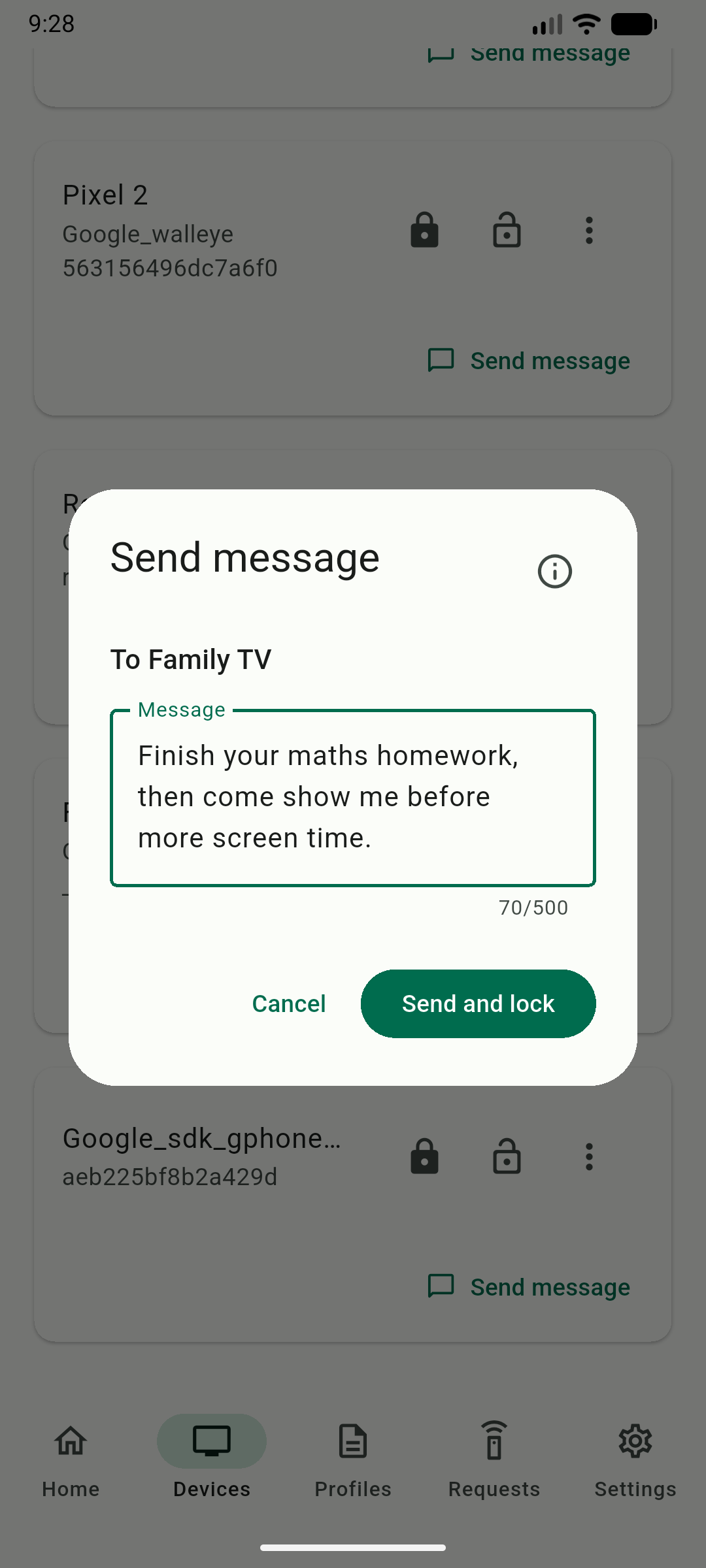
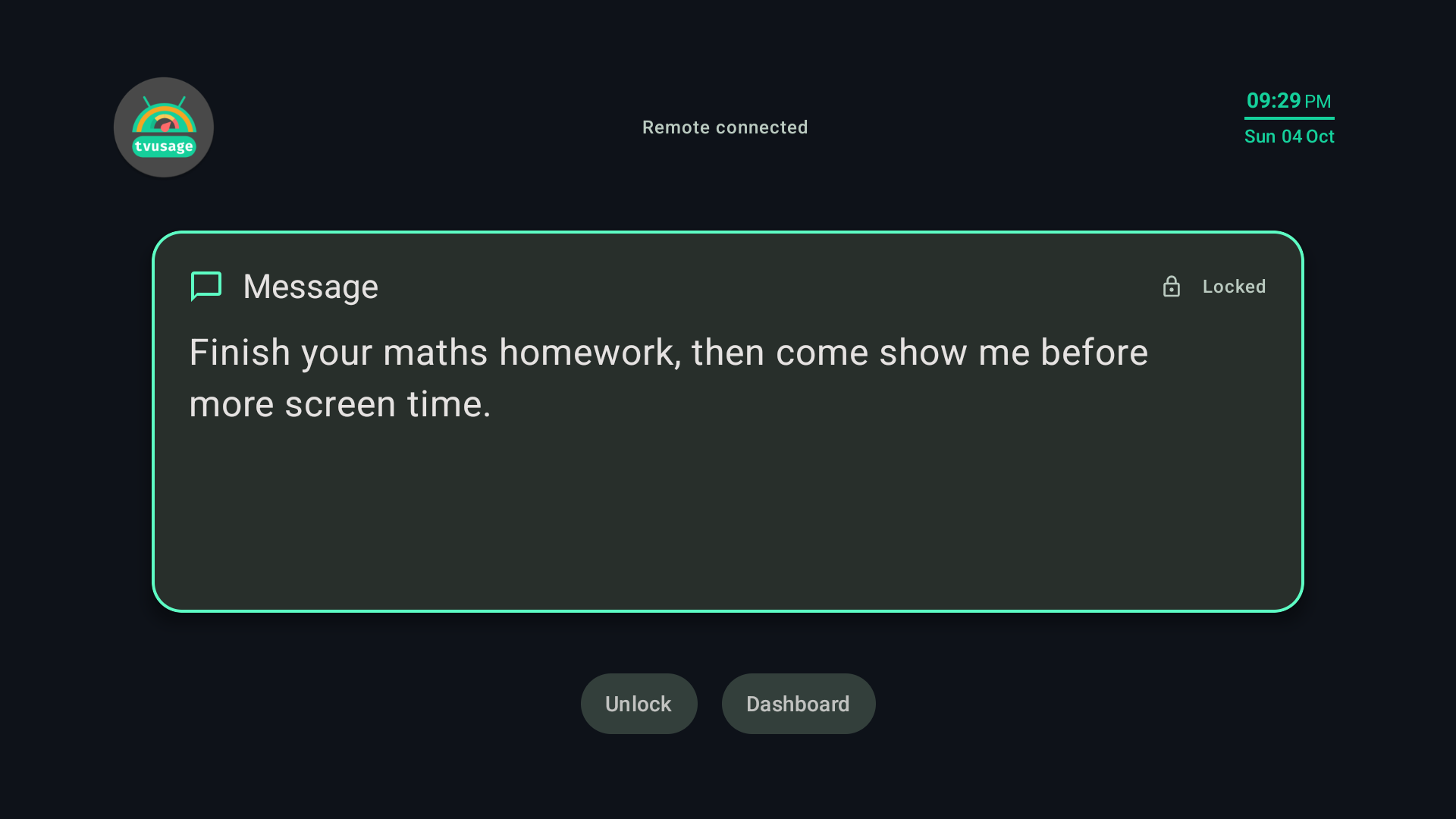
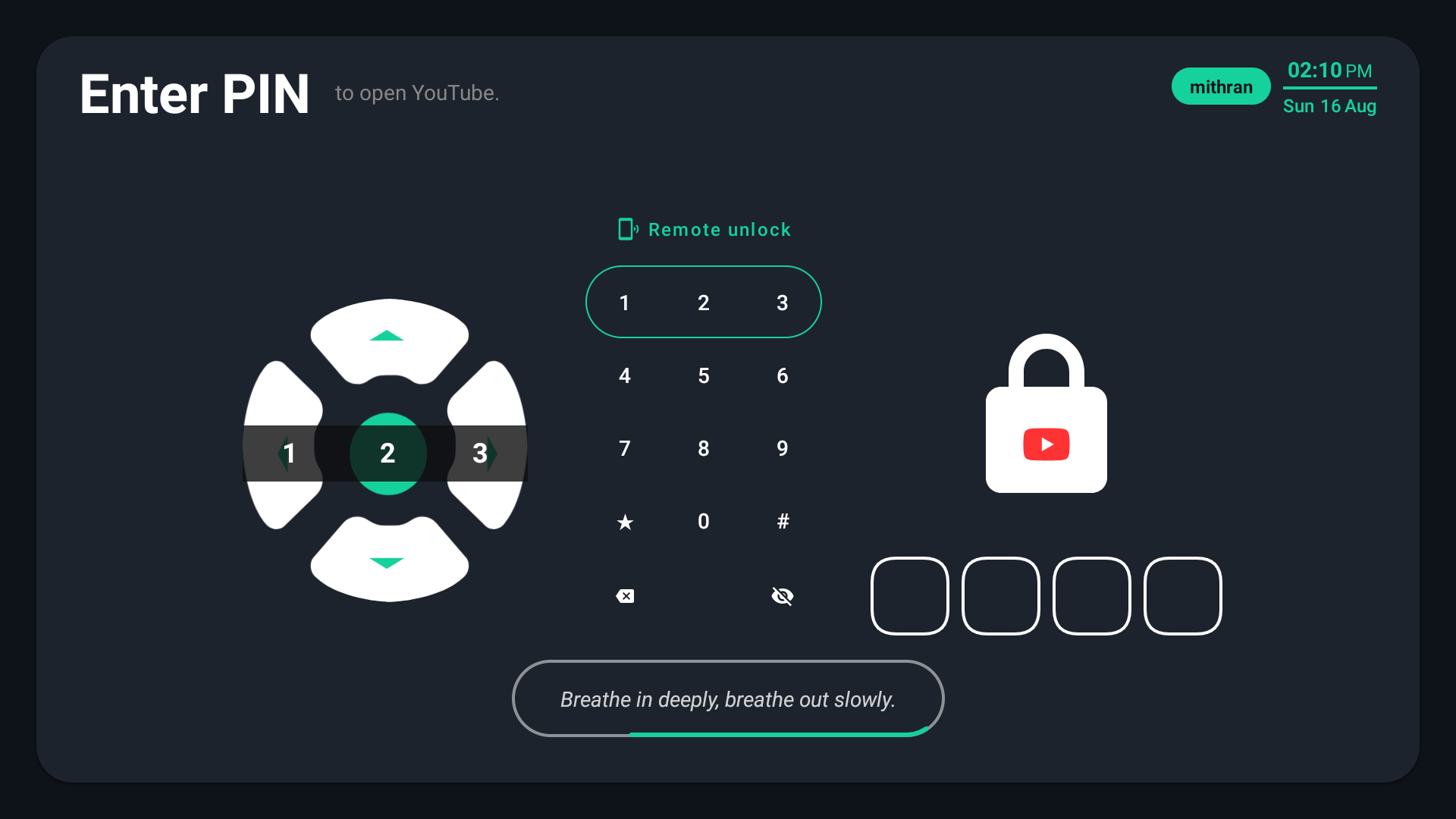
Lock apps or the whole device and protect against uninstall workarounds.
Meet the Behavior Monsters
One more episode keeps becoming another.
Streaks and upgrades make stopping feel costly.
Fresh clips and alerts remove the natural ending.
Profiles for every child
Each child keeps their own allowance and usage history.
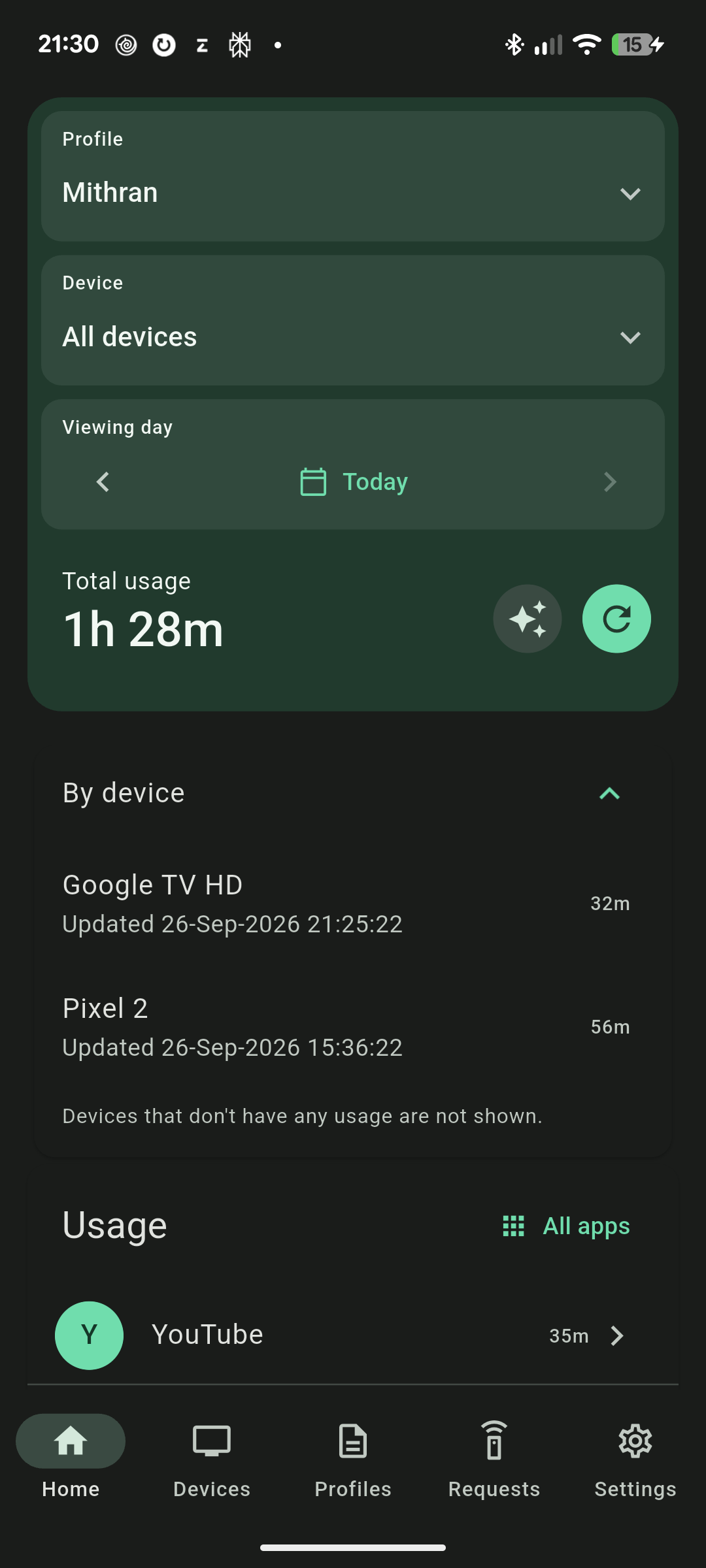
ScreenUsage Remote
Review usage, adjust rules and respond to requests from your phone or browser. Enable Remote on linked child devices first.
Explore Remote controlsSelected reviews, with names, dates, ratings and wording as published.
Amazing App for children. My kid screentime if TV is completely reduced because of this. Must to have if you want to control kids screentime
I'm happy with the app for the last two years. I have had run into a small issue and contacted the developers by mail and the issue got rectified immediately with new update issued on the same night.
These are selected reviews. See all reviews on Google Play
Your screen-time year
Choose one person’s combined daily TV, phone, and tablet time.
Adjust in 30-minute steps.
At that pace, screens occupy about 61 full days each year.
If those 1,460 hours were reclaimed, they could make room for:
Illustrative estimates: 6 hours per book, 8 hours per day trip, and 2 hours per family activity.
Try ScreenUsage on your family’s Android devices.